What is SMS? How short message service works explained
- Published : October 30, 2026
- Last Updated : October 30, 2026
- 13 Views
- 8 Min Read

SMS (Short Message Service) is a text messaging service that lets mobile phones or other similar devices send and receive short messages of up to 160 characters over cellular networks, with no internet connection needed. It has been around since the early 1990s, and it still works on most phones. It doesn’t require an app, account, or internet connection.
This guide covers what SMS stands for, where it came from, how a message gets from one end to another, the different types of SMS, how it compares with MMS, RCS, and WhatsApp, and how businesses use it today.
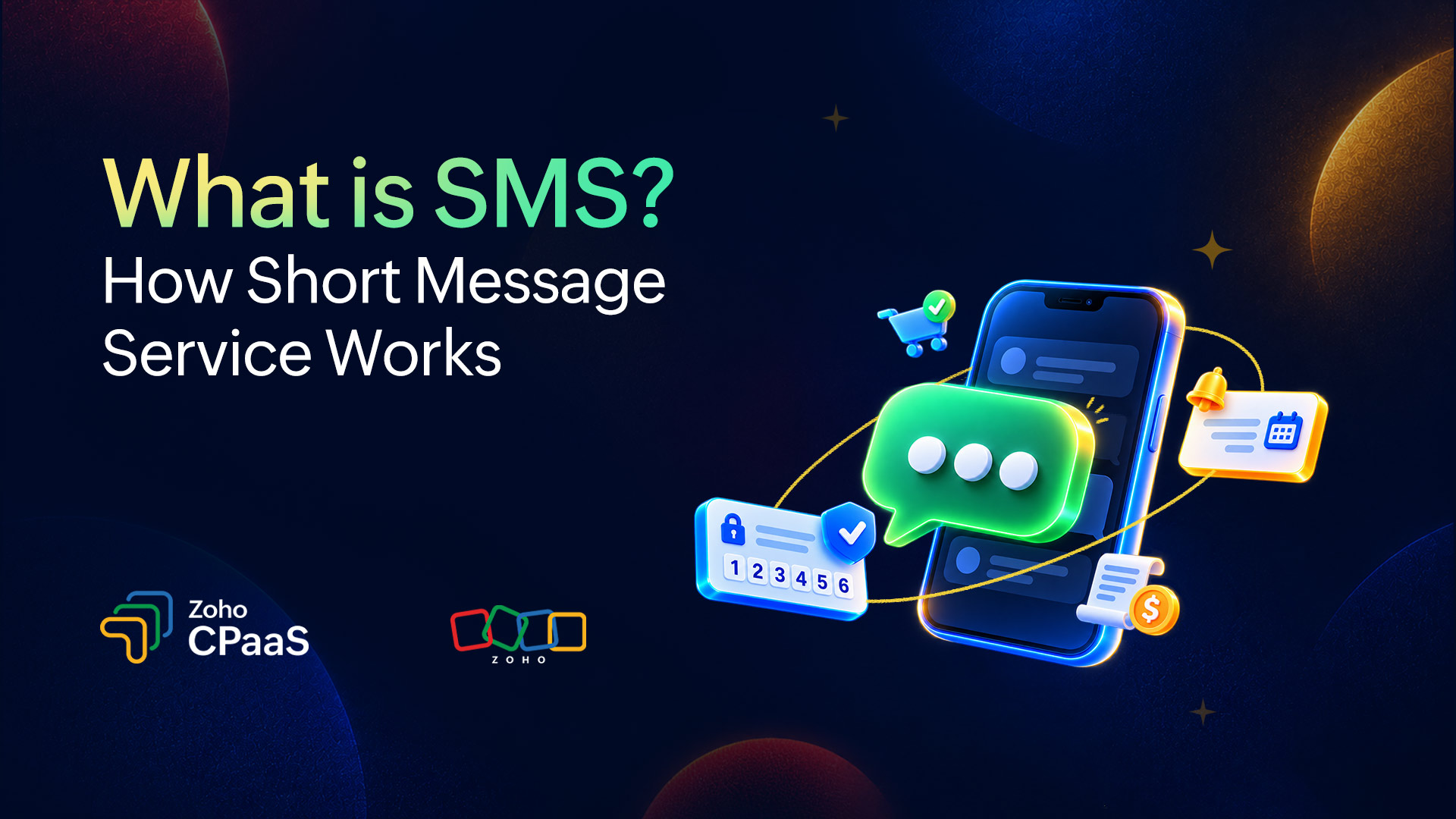
What does SMS do?
SMS is a standard that defines how mobile networks carry brief text messages between devices.
People use “SMS” and “text message” interchangeably, and that’s fine in everyday conversation. Strictly speaking, SMS is the protocol and “texting” is what you do with it. That distinction matters because a message sent through WhatsApp or iMessage over the internet isn’t SMS, even though it looks like one on your screen. A message only counts as SMS when it travels over the carrier network.
An SMS can hold letters, numbers, symbols, and emojis. These days it carries everything from personal chats to one-time passwords (OTPs), delivery updates, bank alerts, and appointment reminders.
A brief history of SMS
SMS came out of the effort to standardize GSM, the second-generation mobile network technology. Friedhelm Hillebrand and Bernard Ghillebaert are generally credited with the concept, which they worked on in the mid-1980s.
The 160-character limit has a well-known origin story. Hillebrand reportedly sat down and counted the characters in postcards and telex messages, and found that most fell under 160. That length also happened to fit the small capacity of the signaling channel the service would run on.
The first SMS was sent on December 3, 1992. Engineer Neil Papworth typed “Merry Christmas” on a computer and sent it to a colleague’s Vodafone phone. For years afterward, texting stayed mostly person-to-person. Then businesses realized they could send automated alerts and codes the same way, and application-to-person messaging grew into a huge share of all SMS traffic.
How does SMS work?
When you send an SMS, your phone passes the message to your carrier’s message center, which stores it and then forwards it to the recipient. The whole trip happens over the network’s signaling channel, not your mobile data connection.
How an SMS gets delivered, step by step
1. You write and send the message: This happens on a phone or similar device or, for automated messages, in a software application.
2. The message reaches your carrier: It goes to the nearest cell tower (base station) and then to the carrier’s Mobile Switching Center (MSC).
3. The MSC hands it to the SMSC: The Short Message Service Center receives the message and holds it.
4. The SMSC finds the recipient: It checks the Home Location Register (HLR) or Home Subscriber Server (HSS) to see which network the recipient is on and whether their phone is reachable.
5. The message is delivered: The recipient’s phone sends back an acknowledgment. If the phone is off or out of coverage, the SMSC keeps the message and retries until its validity period runs out.
That last step is why SMS is called a store-and-forward system. The message waits in the SMSC until delivery is possible, so sender and recipient never need to be online at the same moment.
The key components of SMS architecture
Component | What it does |
|---|---|
Mobile device | Sends and receives messages. |
Base station (cell tower) | Provides the radio link between the phone and the network. |
Mobile Switching Center (MSC) | Switches and routes messages inside the carrier network. |
Short Message Service Center (SMSC) | Stores, forwards, and retries messages. |
Home Location Register (HLR) or Home Subscriber Server (HSS) | Tracks subscriber location and status so messages are routed correctly. |
SMS gateway or aggregator | Connects businesses and applications to carrier networks. |
Why SMS works without internet
Phones constantly use a control channel to stay in touch with the network, handling things like call setup and location updates. SMS rides on that channel. On older networks, the signaling runs over SS7. On 4G and 5G, SMS is usually delivered over the carrier’s IP-based infrastructure (IMS) or through fallback methods. Either way, the carrier’s network carries it, not your phone’s internet connection and not a third-party app.
In practice, that means SMS often gets through when coverage is weak, on basic feature phones, and on devices with no data plan at all.
SMS character limits and message structure
A single SMS carries 140 bytes of payload. How many characters that gives you depends on the encoding:
Encoding | Single message | Multi-part (per segment) |
|---|---|---|
GSM-7 (standard Latin characters) | 160 characters | 153 characters |
UCS-2 (emoji, non-Latin scripts) | 70 characters | 67 characters |
Longer messages get split into segments and stitched back together on the recipient’s phone. Each segment spends a few bytes on a header, which is why the multi-part limits are a bit lower. Providers usually bill per segment, so length affects cost.
One thing catches people off guard: A single emoji or special character can flip the whole message to UCS-2 and cut your limit from 160 to 70 characters. A message that looked like one segment can quietly become three.
What are the different types of SMS?
SMS can be grouped by who sends it, why it’s sent, and how the sender is identified. The groups overlap, so a single message can be both A2P and transactional.
By direction
P2P (person-to-person): Ordinary texting between two people.
A2P (application-to-person): Automated messages sent by software, like a login code from your bank's app.
By purpose
Transactional SMS: Expected, time-sensitive messages such as OTPs, order confirmations, delivery updates, and account alerts.
Promotional SMS: Offers, announcements, and campaigns. These generally need prior opt-in consent and face stricter rules.
Conversational SMS: Two-way exchanges for support, scheduling, and customer engagement.
By sender ID
Sender type | What it is | Typically used for |
Short code | A 5-6 digit number | High-volume campaigns and alerts |
Long code | A standard phone number (10DLC in the US) | Conversational and lower-volume messaging |
Toll-free number | A toll-free number enabled for texting | Customer service and mixed-use messaging |
Alphanumeric sender ID | A brand name in place of a number | One-way branded notifications, where supported |
Availability and registration rules differ from country to country, so check local requirements before you pick one.
SMS vs. MMS vs. RCS vs. WhatsApp: What’s the difference?
SMS sends plain text over the carrier network. MMS adds media, RCS adds rich features over data, and WhatsApp is an internet-based messaging app. Which one fits depends on what you’re sending, who’s receiving it, and whether they’re connected.
| SMS | MMS | RCS | |
|---|---|---|---|---|
Content | Text, up to 160 characters per segment | Text plus images, audio, video | Rich text, media, buttons, carousels | Text, media, documents, interactive messages |
Needs internet | No | Typically uses mobile data | Yes | Yes |
Needs an app | No | No | A supported messaging app and device | Yes |
Reach | Virtually every mobile phone | Most smartphones | Varies by device, carrier, and region | People who have WhatsApp installed |
MMS stretches SMS to cover multimedia, though how it displays varies across carriers and devices. RCS (Rich Communication Services) is the carrier-backed successor, meant to bring app-like features into the default messaging app. Support still differs by region and device. WhatsApp has rich features and massive adoption in many markets, but the recipient needs both the app and an internet connection.
Where SMS wins is reach and simplicity. If a message has to land on any phone, with no app and no data, SMS is the safest bet. Many businesses treat it as the baseline channel and add richer ones where their audience supports them.
What are the advantages and limitations of SMS?
Advantages
It reaches nearly everyone. It works on smartphones and basic phones, across carriers and countries.
It needs no app or internet. Recipients don’t have to install or sign up for anything.
It’s fast and simple. Messages are short, arrive quickly, and tend to be read soon after.
It’s already familiar. Everyone knows how to open a text.
Limitations
Tight length and format limits. It’s plain text, with short segments and extra cost for long messages.
No end-to-end encryption. Messages pass through carrier systems in readable form, so SMS isn’t the place for sensitive information. Smishing (phishing by text), SIM swapping, and sender spoofing are the usual risks.
Uneven delivery. Speed and reliability can vary by carrier and country, and delivery receipts aren’t always conclusive.
Regulatory overhead. Many regions require opt-in consent, sender registration, and approved content templates.
A quick word on security: SMS-based OTPs are still everywhere, but app-based authenticators and passkeys are generally considered stronger.
How do businesses use SMS?
Businesses use SMS to get timely messages in front of customers, usually as A2P traffic triggered by an event or a schedule. The common use cases:
Authentication: OTPs and verification codes for logins and sign-ups.
E-commerce: Order confirmations, shipping updates, and delivery notifications.
Reminders: Appointments, payments, and renewals.
Alerts: Fraud warnings, outage notices, and account activity.
Customer engagement: Promotions and two-way support, sent only to people who’ve opted in.
How an SMS API works
Rather than sending messages manually one at a time, businesses connect their applications to an SMS API. The application sends a request with the recipient’s number, a sender ID, and the message text. The API passes it to an SMS gateway, which routes it through carrier networks to the recipient’s phone. The delivery status then flows back to the application.
That’s how a system can send an OTP the second a user asks for one, or push a shipping update the moment an order status changes.
SMS also tends to work best as one channel among several. Many businesses pair it with email, WhatsApp, and voice, picking whichever suits the message and the audience. And at any scale, sending SMS means honoring opt-in and opt-out rules and registering sender IDs and templates wherever local regulations ask for it.
FAQs
What does SMS stand for?
SMS stands for Short Message Service. It’s the standard that lets mobile phones send and receive short text messages over a carrier’s cellular network, with no internet connection or app required.
Is SMS the same as a text message? What’s the difference between a text and an SMS?
Not exactly, though most people use the terms interchangeably. SMS is the specific technology that carries a text over the carrier network. “Text message” is the everyday name for what you send, and it can also mean messages sent through iMessage, RCS, or apps like WhatsApp over the internet. A message is only an SMS if it travels over the carrier’s network.
How do I send an SMS?
Open the default messaging app on your phone, start a new message, enter the recipient’s mobile number, type your text, and tap send. You don’t need an internet connection, only mobile network coverage and a plan that includes texting. To send SMS in bulk or automatically, such as OTPs or order updates, businesses use an SMS API or a messaging platform instead like Zoho CPaaS.
What is the character limit for an SMS?
A single SMS can hold up to 160 characters when it uses standard GSM-7 encoding. If the message includes an emoji or a non-Latin character, it switches to UCS-2 encoding and the limit drops to 70 characters. Longer messages are split into segments of 153 characters (GSM-7) or 67 characters (UCS-2) and reassembled on the recipient’s phone. Most providers bill per segment.
How can a business send SMS from its app or website?
Businesses connect their app or website to an SMS API. The application sends a request containing the recipient’s number, a sender ID, and the message text. The API passes it to an SMS gateway, which routes it through carrier networks to the recipient’s phone, and a delivery status is reported back. This is how an app can send an OTP the moment a user requests one, or a website can trigger an order confirmation automatically. Depending on the country, businesses also need to register sender IDs and message templates and collect opt-in consent before sending.