RCS vs. SMS: What's the difference, and which should your business use?
- Published : October 30, 2026
- Last Updated : October 30, 2026
- 11 Views
- 6 Min Read

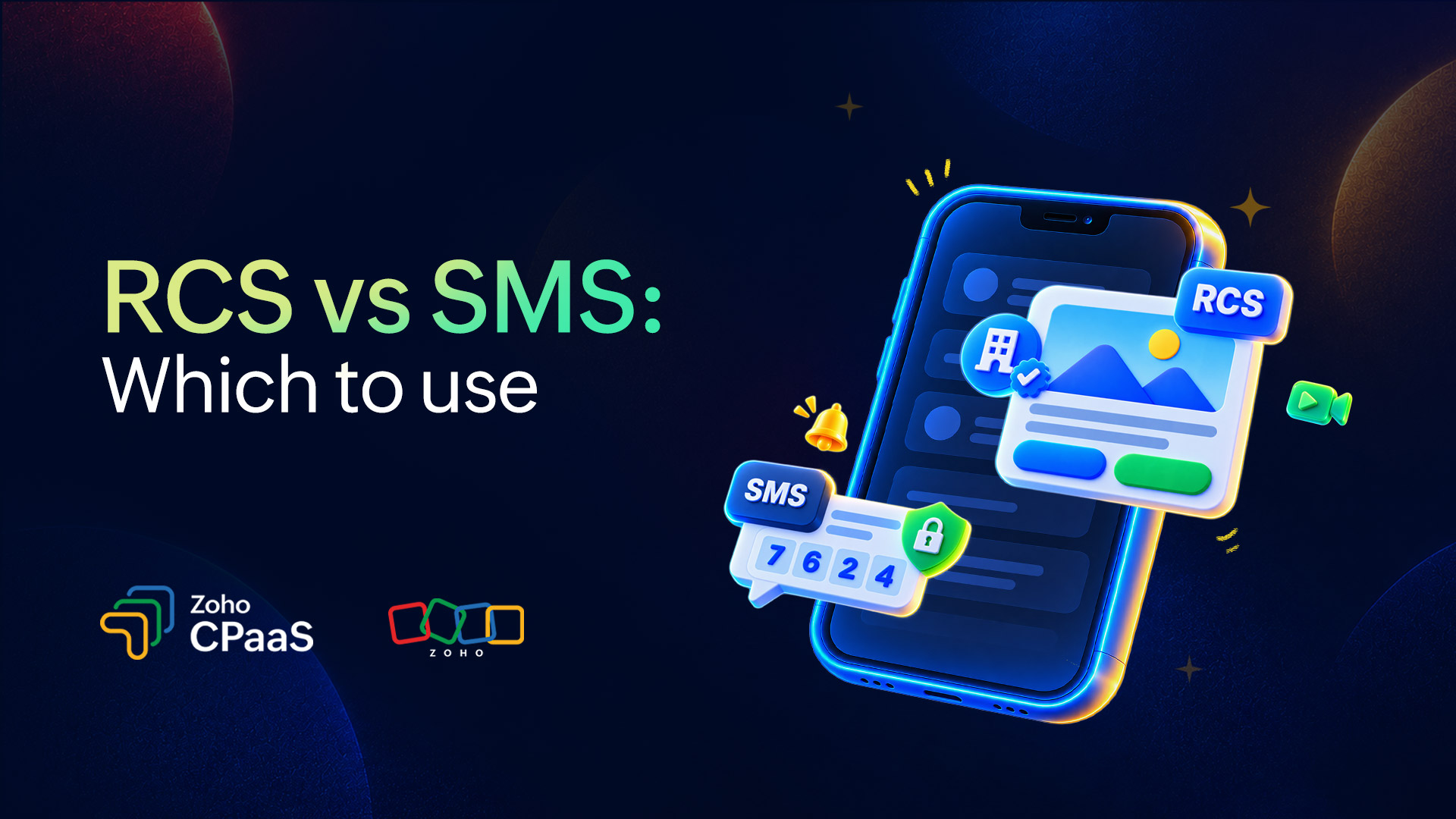
SMS is the plain-text standard that reaches practically every mobile phone, even with no internet. RCS is the newer version of texting. It runs over mobile data or Wi-Fi and lets businesses send verified branded messages with images, buttons, and read receipts. SMS wins on reach and reliability. RCS wins on engagement and experience. For most businesses the smart move is to use both: RCS where the recipient's phone supports it, SMS everywhere else.
What is SMS?
SMS stands for Short Message Service, and it has been part of mobile networks since the early 1990s. A message travels over the carrier's signaling channel, which is why it works on a brand-new smartphone and a 10-year-old feature phone. All it needs is a cellular signal.
That simplicity is the whole appeal:
Universal reach: Any mobile phone can receive an SMS.
No app or data needed: Messages still arrive when connectivity is poor.
High visibility: They land in the default inbox, and people tend to read them fast.
Mature infrastructure: Carrier routing, sender registration, and compliance practices have been worked out over many years.
The downsides are just as familiar. SMS is text only, and long messages get chopped into multiple segments. There's no verified branding, so a legitimate message from your bank looks a lot like a scam. Standard SMS has no encryption. And if you want to send an image, you need MMS, which costs more and doesn't always render properly.
What is RCS?
Rich Communication Services, or RCS, is a messaging standard built by the GSMA (the industry body for mobile operators) to bring modern chat features into the phone's default messaging app. You get typing indicators, read receipts, sharp photos and video, and group chats, and nobody has to download anything.
The business version is called RCS Business Messaging, or RCS for Business (you'll also see RBM). It adds a few things that matter for brands:
Verified sender identity: Your brand name, logo, and a verification badge appear on the message. Verification is a core part of how business RCS works.
Rich cards and carousels: Customers can swipe through products or offers, each with an image and a short description.
Suggested replies and action buttons: One tap to "Track order," "Call us," "Add to calendar," or "Open map."
Longer messages and bigger media: There's no 160-character squeeze, and image and video quality beats MMS by a wide margin.
Better analytics: Delivery and read signals can give you a clearer picture of engagement than SMS usually does.
One thing to know up front: A business can't send RCS messages directly. You register your brand as a verified "agent" and send through an approved aggregator or messaging provider.
RCS vs. SMS: The key differences
1. Technology and connectivity
SMS travels over the cellular network's signaling channel and needs only a cellular signal. RCS is IP-based, so it needs mobile data or Wi-Fi. If the recipient is offline, or their phone or carrier doesn't support RCS, the message can't be delivered as RCS. Business messaging platforms typically handle this with automatic fallback to SMS or MMS.
2. Message format and content
SMS is plain text, split into multiple segments once it passes 160 characters (70 for Unicode), and sending an image requires MMS. RCS supports longer text, high-resolution images, video, GIFs, files, and carousels within a single message. Take a retail promotion as an example. Over SMS, it would be a line of text with a shortened link; over RCS, it could be a swipeable product catalog with buttons.
3. Interactivity and engagement signals
SMS messages can include links, which open in a browser, and standard SMS offers limited engagement tracking. RCS messages can include suggested replies and action buttons, so some actions, such as confirming an appointment or choosing a delivery slot, can happen inside the conversation. RCS also provides delivery and read signals.
4. Sender identity
SMS senders appear as a phone number or a short alphanumeric sender ID. RCS business senders appear with a verified brand name, logo, and verification mark, and the brand has to be registered as a verified agent to send.
5. Security and privacy
SMS has no encryption. RCS security varies with the messaging app, the type of message, and the version of the standard in use. Person-to-person RCS between supporting apps can be end-to-end encrypted as that support rolls out. Business messages pass through platforms and providers, so the same protection doesn't necessarily apply. On either channel, sensitive details like full card numbers and passwords shouldn't be sent in a message.
6. Reach and availability
Any mobile phone can receive an SMS. RCS depends on the device, the messaging app, and the carrier's support in that market. Coverage changes quickly, so check current carrier and device support in the markets you send to.
7. Cost
SMS is usually priced per message segment, and the rate depends on the destination country and route. RCS pricing varies by provider and region, and some charge per message while others charge per conversation. RCS per-message rates are often higher than SMS rates. Because the two formats differ, some teams compare cost per outcome (a completed purchase, a confirmed booking) rather than cost per message.
Differences at a glance
Feature | SMS | RCS |
|---|---|---|
Full form | Short Message Service | Rich Communication Services |
Network needed | Cellular signal only | Mobile data or Wi-Fi |
Content | Plain text (160 characters per segment for GSM-7, 70 for Unicode) | Long text, high-resolution images, video, GIFs, files, carousels |
Interactivity | None, apart from links | Suggested replies, action buttons, rich cards |
Sender identity | Phone number or alphanumeric sender ID | Verified brand name, logo, and profile |
Read receipts and typing indicators | No | Yes |
Encryption | None | Depends on the app and message type |
Device and carrier support | Universal | Depends on device, messaging app, carrier, and region |
Fallback | Not applicable | Can fall back to SMS or MMS when RCS isn't available |
Best for | OTPs, alerts, reminders, wide-reach campaigns | Visual promotions, product showcases, conversational support, branded engagement |
Pros and cons
SMS
Pros
Works on every mobile phone, no data connection needed
Simple, reliable, and widely understood
Well suited to time-critical messages like OTPs and alerts
Established compliance and registration frameworks
Cons
Text only, with segment limits
No verified branding or interactivity
No encryption
Limited engagement tracking
RCS
Pros
Rich media, carousels, and buttons right in the default inbox
Verified brand identity that builds trust
Actions that happen inside the conversation, which shortens the customer journey
Better engagement signals
Cons
Uneven support across devices, carriers, and countries
Needs data or Wi-Fi
Requires brand registration and verification
Business messages must go through approved providers
Usually costs more per message
When to use SMS
Pick SMS when reach, speed, and reliability matter more than how the message looks:
One-time passwords and two-factor authentication codes
Delivery, payment, and transaction alerts
Appointment and payment reminders
Audiences with mixed devices, or markets where RCS isn't widely enabled yet
Emergency or critical notifications
When to use RCS
Pick RCS when engagement and experience are what move the numbers:
Product launches and promotions that benefit from visuals
Abandoned-cart recovery with a one-tap return to the cart
Appointment booking and rescheduling inside the chat
Order tracking with maps and status cards
Customer support conversations with suggested replies
Brand building, where a verified logo and name add credibility
How to choose: RCS vs SMS for your business
Need delivery to any phone, guaranteed? SMS.
Sending an OTP or a security alert? SMS.
Want branded, visual, interactive campaigns? RCS, with SMS fallback.
Audience concentrated in markets with strong RCS support? Lead with RCS.
Audience spread across regions with uneven support? SMS as the base, RCS where available.
Not sure? Start with SMS, pilot RCS with one segment, and compare the results.
Conclusion
RCS and SMS work best as a pair. SMS gets your message to nearly everyone, reliably. RCS gives you branded, interactive conversations wherever the phone and carrier can handle them. Build on a dependable SMS foundation, add RCS for the audiences who can receive it, and let fallback logic make sure every customer gets the message in the best format their phone supports.
FAQ
Does RCS fall back to SMS?
Yes, when fallback is set up. If the recipient’s phone, app, or carrier doesn’t support RCS, or they’re offline, the message is sent as SMS or MMS instead. For business messages, fallback is configured through your messaging provider, and rich cards and buttons won’t carry over, so write a short SMS version too.
Will RCS replace SMS?
Not in the near term. SMS still reaches virtually every mobile phone without data or app support, and it remains the backbone of A2P messaging like OTPs and alerts. Most businesses will use both, with RCS where supported and SMS for everyone else.
Is RCS more secure than SMS?
It can be. SMS has no encryption. RCS security varies by app, message type, and standard version, and person-to-person RCS between supporting apps can be end-to-end encrypted. Business messages pass through providers, so the same protection doesn’t necessarily apply. On either channel, don’t send sensitive details like card numbers or passwords.
Does RCS cost more than SMS?
For businesses, RCS per-message rates are often higher, though pricing varies by provider, country, and message type. SMS is typically priced per segment, while RCS may be priced per message or per conversation. If a message falls back to SMS, billing depends on your provider’s terms.
Does iPhone support RCS?
Yes, in supported markets. Apple added RCS in iOS 18 (2024) and began supporting RCS for Business from iOS 18.1 in select markets with specific carriers. Availability still depends on your carrier and country, so check support for your target markets.