



Sales tax automation with Zoho Books
Take the stress out of sales tax calculations with Zoho Books. From automatically applying the right tax rates to tracking your sales tax liability, everything you need to manage sales tax calculations within your workflow is built in.
Automate your sales tax
Auto-apply tax rates
Sales tax is automatically calculated on every transaction, powered by Avalara. No manual lookups, no second-guessing, just accurate tax on every sale.
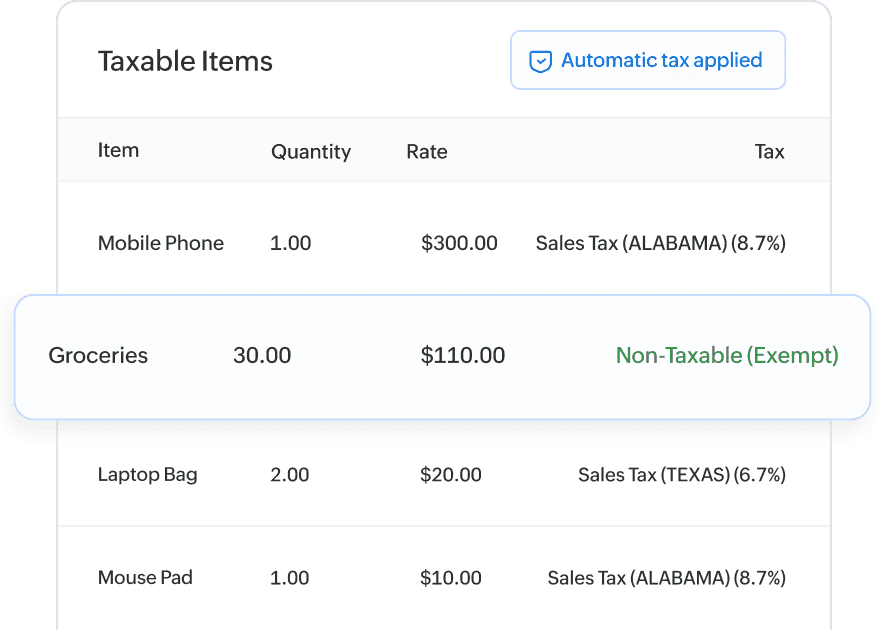
Every sale treated correctly
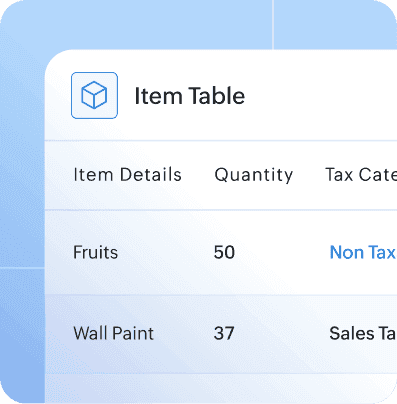
Whether a sale is taxable, non-taxable, or exempt, Zoho Books determines the right tax treatment automatically based on who you're selling to, what you're selling, and where you're selling it, based on your configured tax registrations and exemption details.
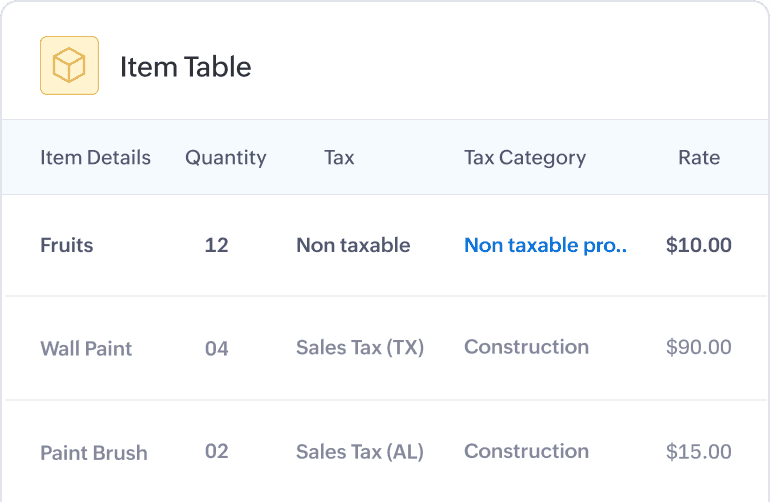
The right tax for everything you sell
Whether you offer products, services, or a combination of both, Zoho Books applies the correct tax for everything you sell.
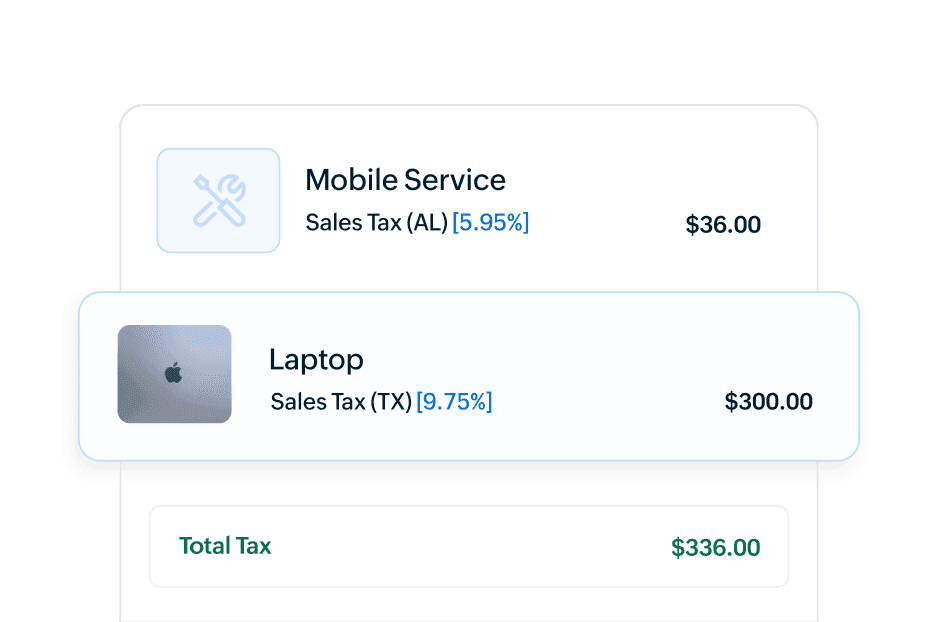
Built for multi-state businesses
Sell across states with confidence
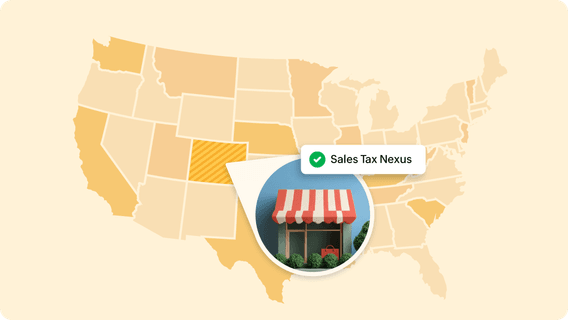
Selling in multiple states or planning to expand? Zoho Books calculates tax across the states where you have added tax registrations, helping simplify multi-state tax calculations as your business grows.
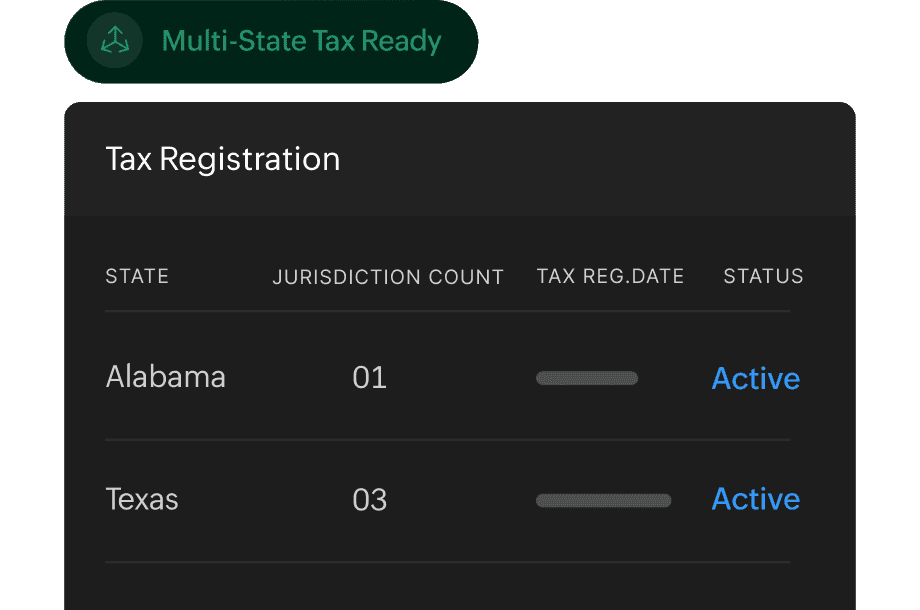
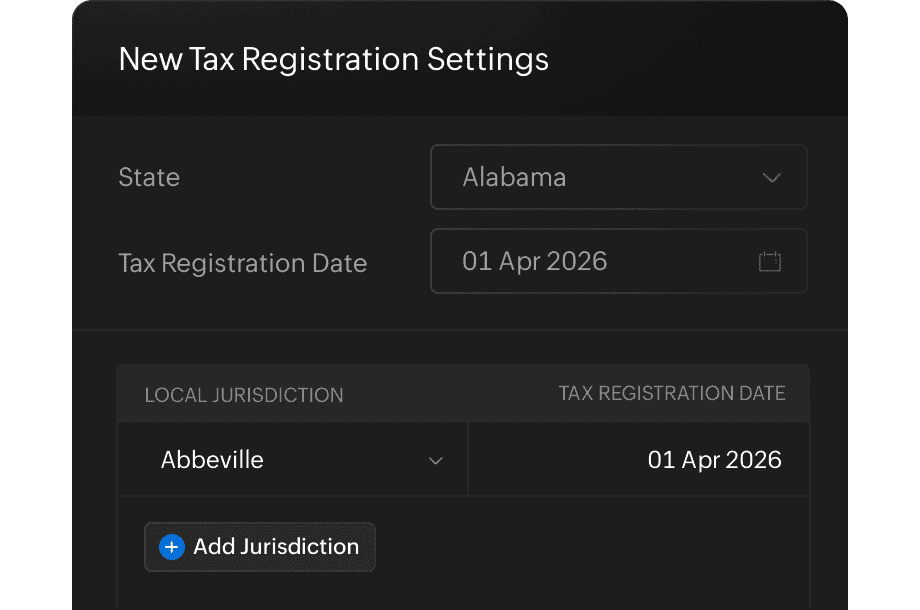
Capture tax registrations
Add the states where your business is registered for sales tax. Zoho Books uses this to automatically apply the right tax on your transactions.
Manage tax exemptions with ease
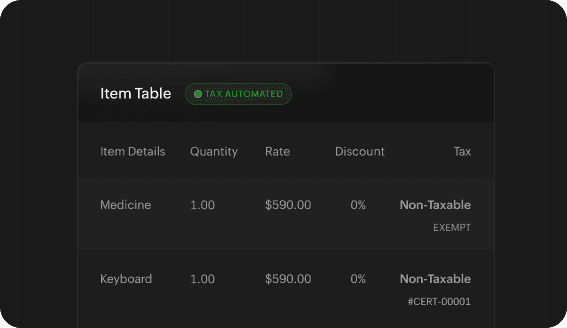
Automated tax exemptions
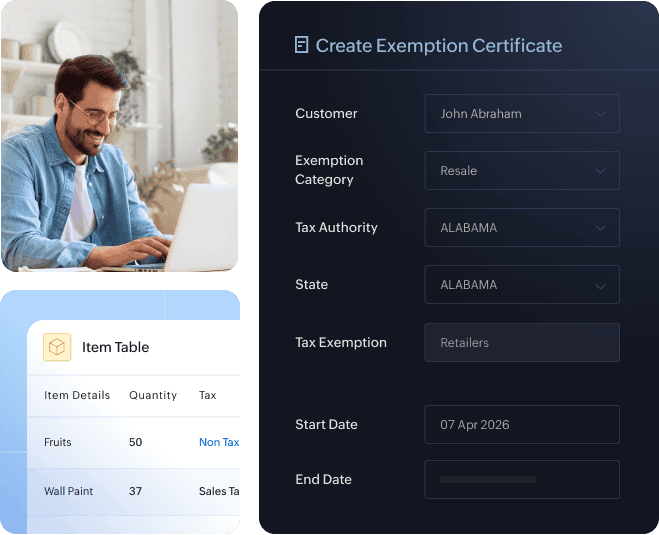
Eligible transactions are automatically marked as exempt based on the exemption details configured for the customer, so you don't have to manually review or override each one.
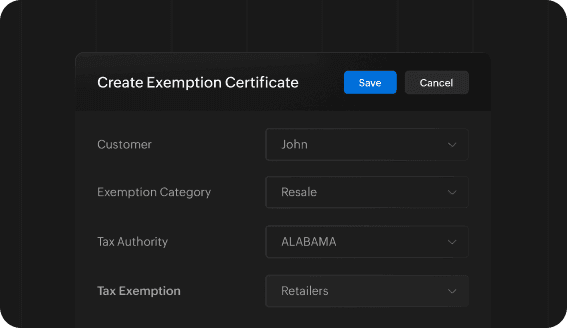
Manage exemption certificates
Upload and store exemption certificates at the customer level or by state, and capture expiry dates, so you're better prepared for audits. This provides a streamlined way to manage exemption records directly within Zoho Books.
Built-in control
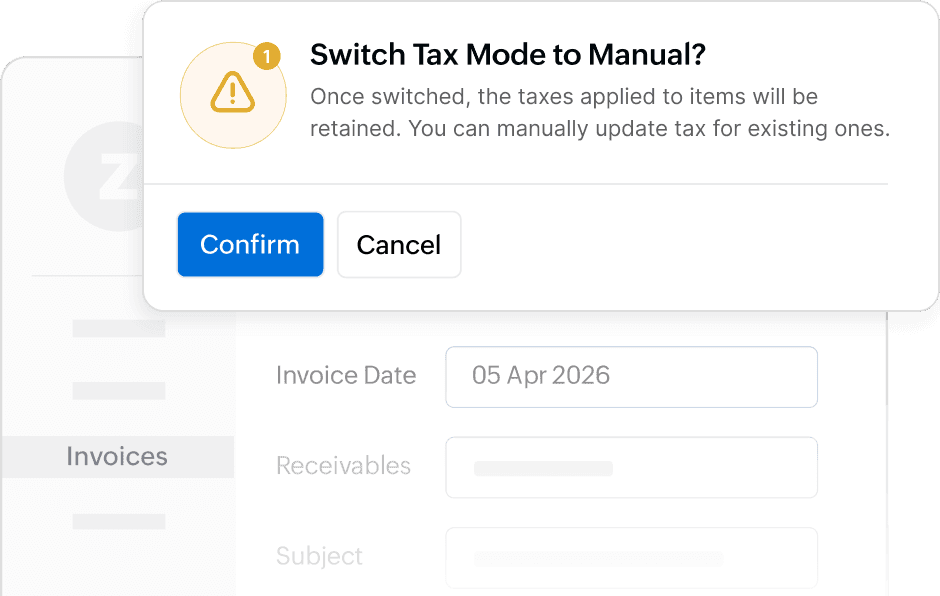
Automate or enter manually
Choose how tax is handled on each transaction. Easily switch between automated tax rates and manual entries to manage exceptions or unique situations without losing visibility or control.
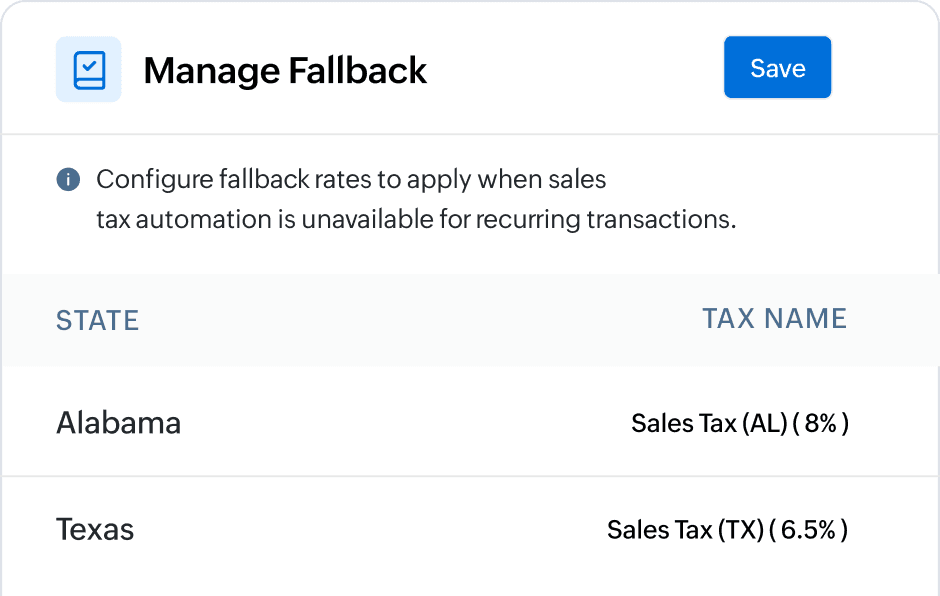
Fall back rates
When tax cannot be determined automatically, Zoho Books applies the fallback rate you've configured so your transactions go through without interruption. Every instance is tracked for your review, too.
Actionable reporting
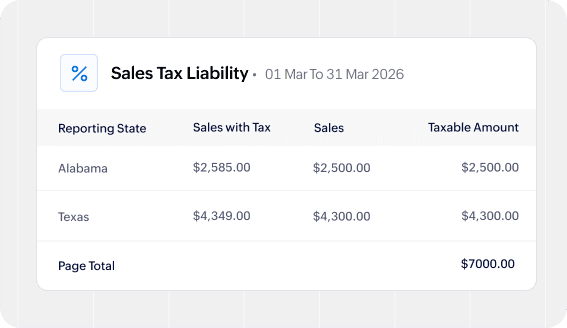
Sales tax liability report
Track your sales tax liability in one place with clear, state-level visibility into what you've collected and what you owe, helping you manage tax directly within Zoho Books.
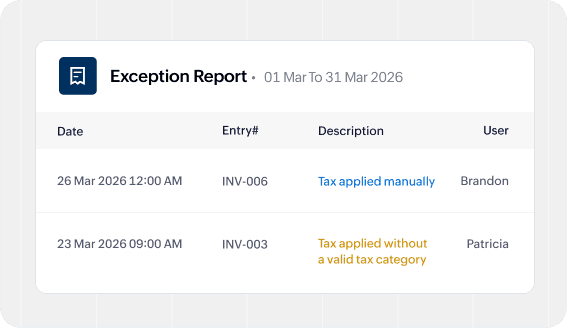
Exceptions report
The Exceptions report flags transactions where tax was manually calculated or where tax-related details are incomplete so you can review and resolve them early.