
 4.6
4.6- 4.6
- 4.4
- 4.3
- 4.4




Create custom surveys the way it works for you
Select the best method that fits your workflows and create surveys with confidence. Spend lesser time and effort with our AI-assisted question generation, templates and imports.
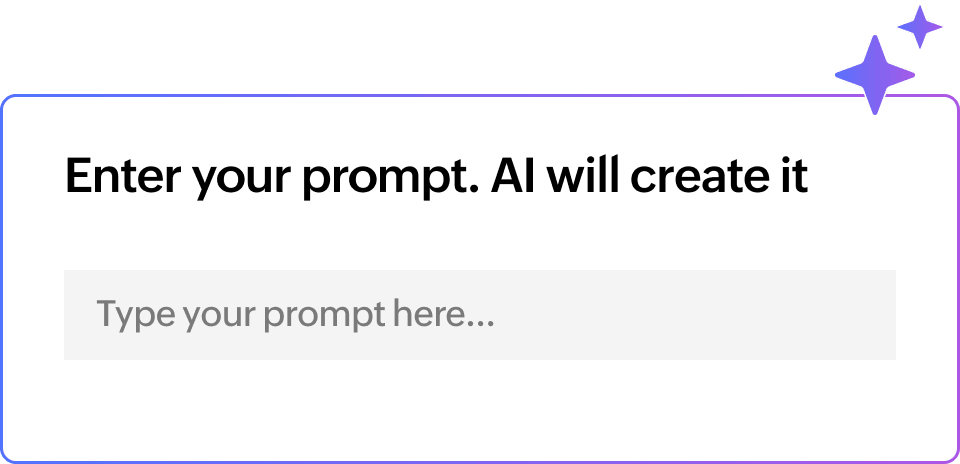
Simply describe what you need and let AI do the heavy lifting. Get your forms up and running in just minutes.
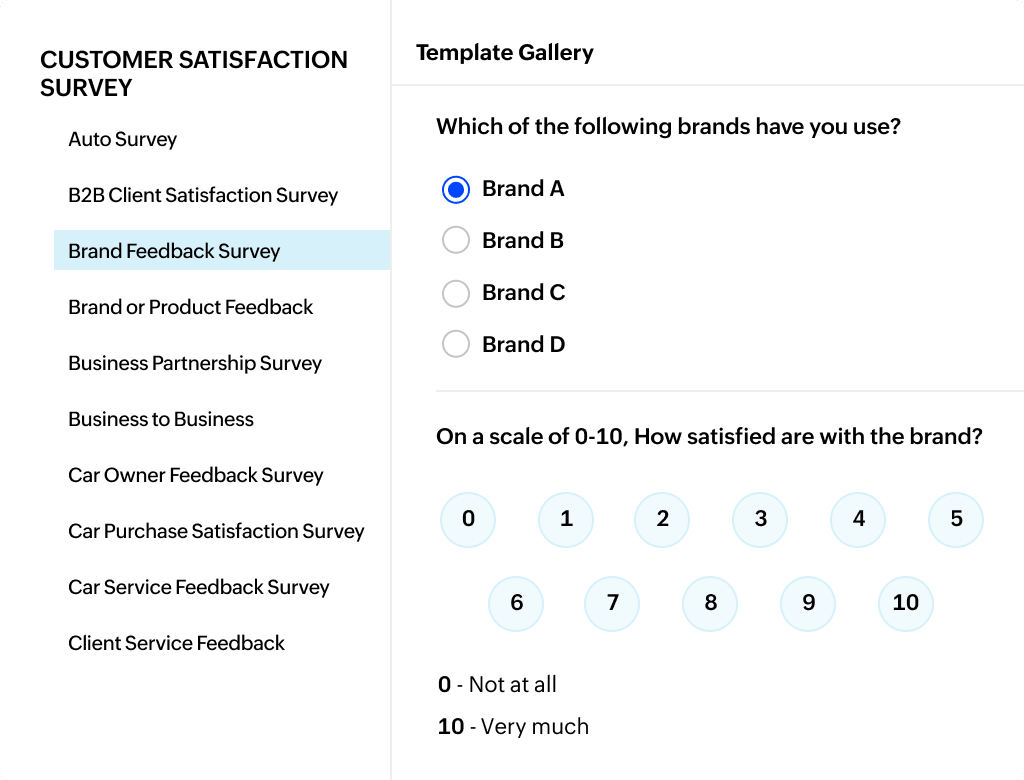
Pick from a wide range of market-ready templates and customize them to match your needs.
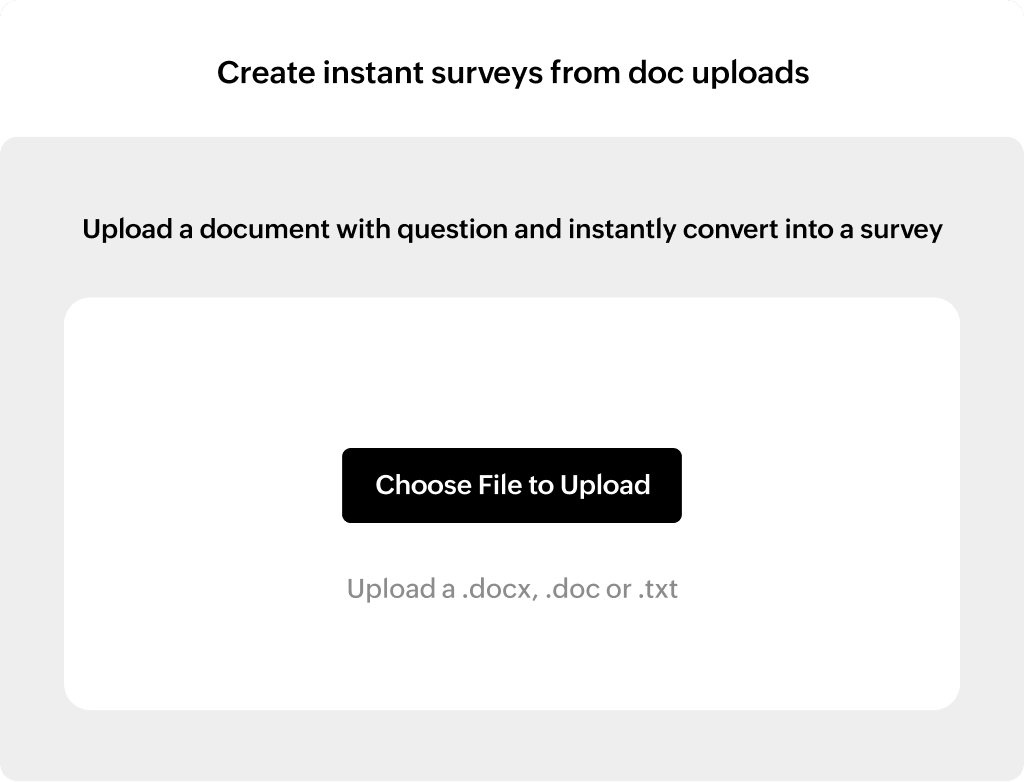
Upload your existing documents and turn them into survey questions instantly.
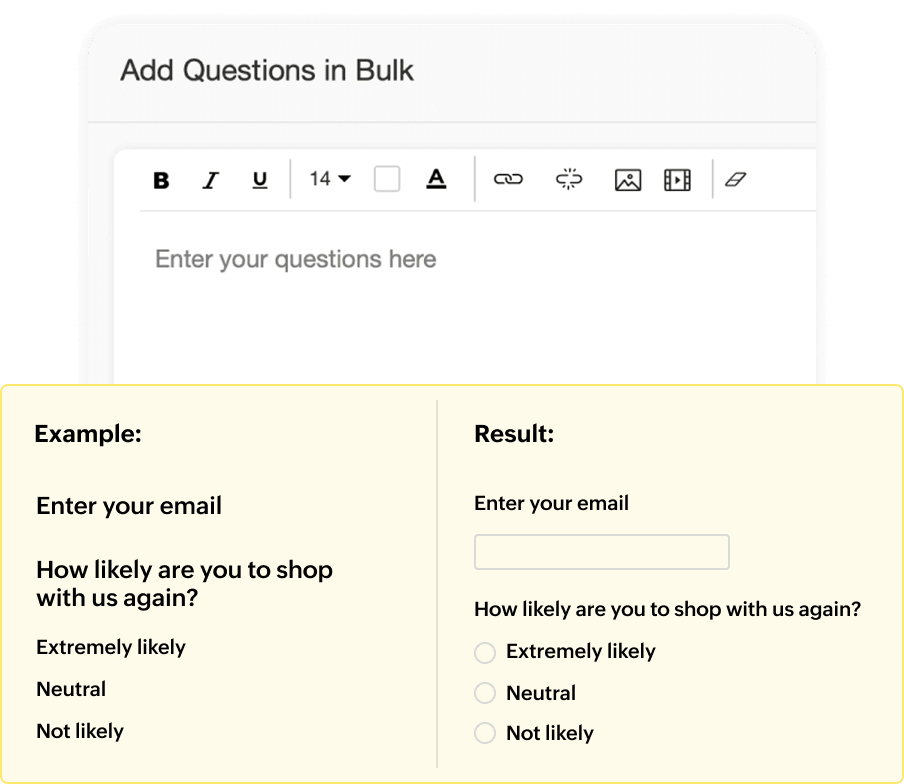
Import multiple questions in one go and build lengthy surveys in a fraction of the time.
Join industry leaders who use our wide range of questionnaires & feedback forms to understand their customers!










Get started with our market-ready templates


Connect with the tools that you already use
Integration Apps

Identify potential customers and reduce churn rate based on survey response.

Visualize key survey data and turn boring information into actionable insights.

Send campaign-specific surveys every time and collect relevant feedback.

Centralize the data from your surveys in Google Sheets and simplify reporting.
Frequently asked questions
Sign up for free, choose a template, add logic and distribute your link via QR code, social media, or email.
Yes, you can either try it free for 7 days or sign up for our free plan.
Yes, Zoho Survey provides free templates very specific to each industry. You can check them out here.
Yes, you can type in your prompts and survey will be ready in seconds without having to make multiple iterations. You can try it here.
This is a straightforward step, navigate to ‘view reports’ and get real-time summary of the responses. Use custom filters, evaluate individual responses, or export data in formats like PDF of Excel.