Payments and invoices in one place.
Create invoices, embed payment buttons, share them instantly, and get paid online without switching tools.
Invoicing to payments, in one flow

Send invoices with payment buttons
Add a “Pay Now” button to every invoice so customers can pay instantly via UPI, cards, or net banking.

Invoices that fit your brand
Customize templates with your logo, colors, and required fields for a professional look.

Automatic payment updates
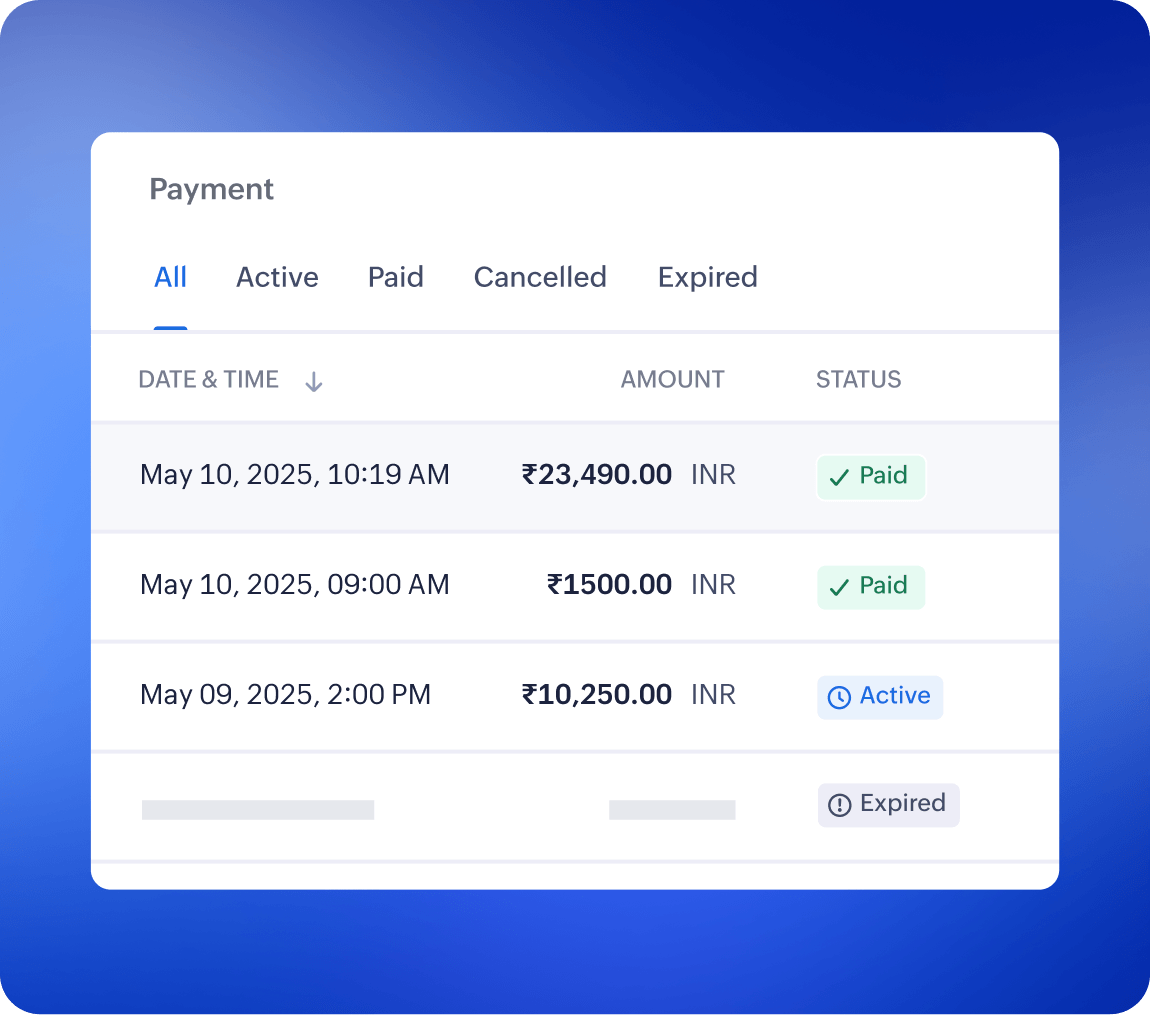
Know immediately when an invoice is paid, pending, or refunded.

Manage it all in one place
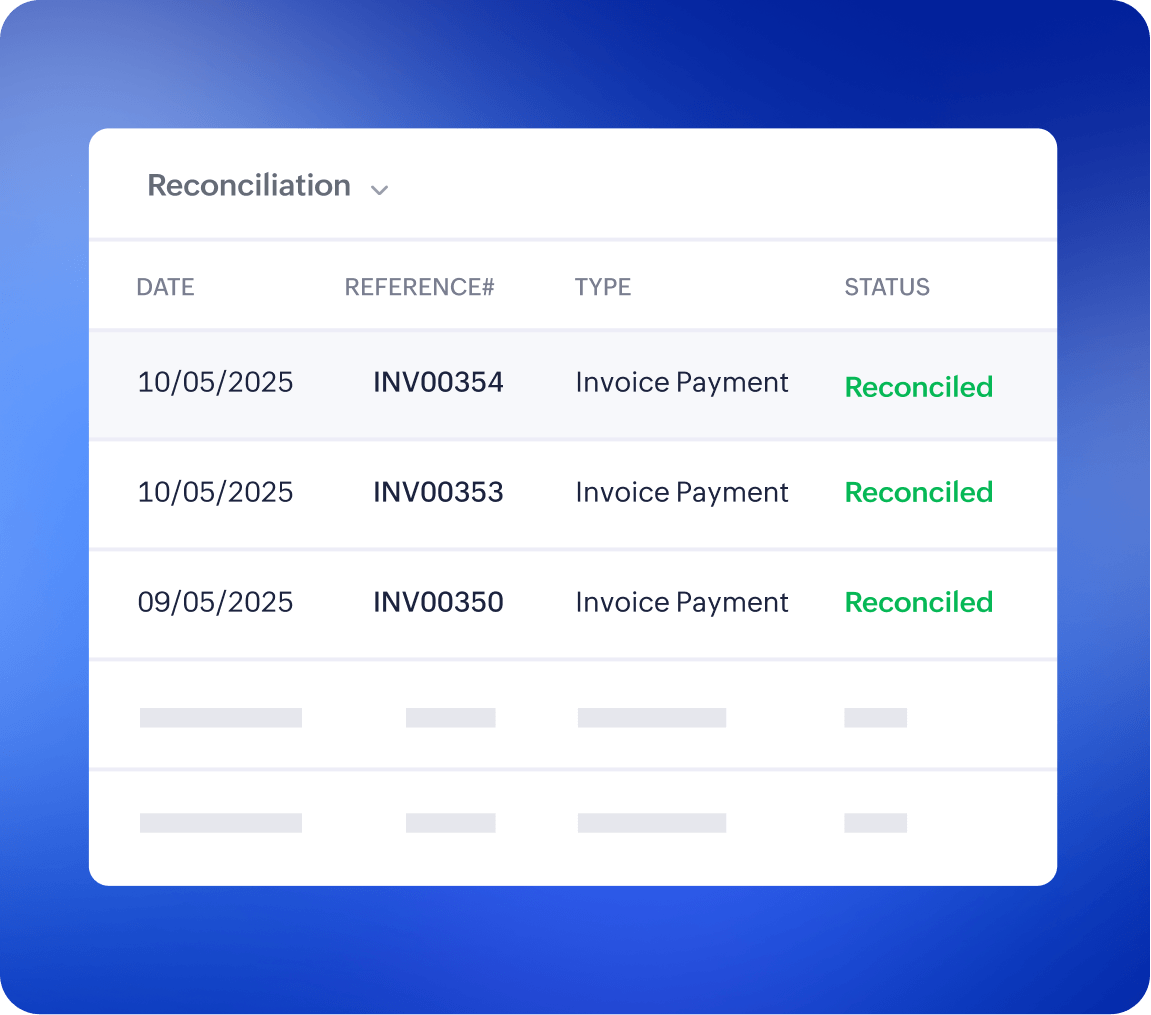
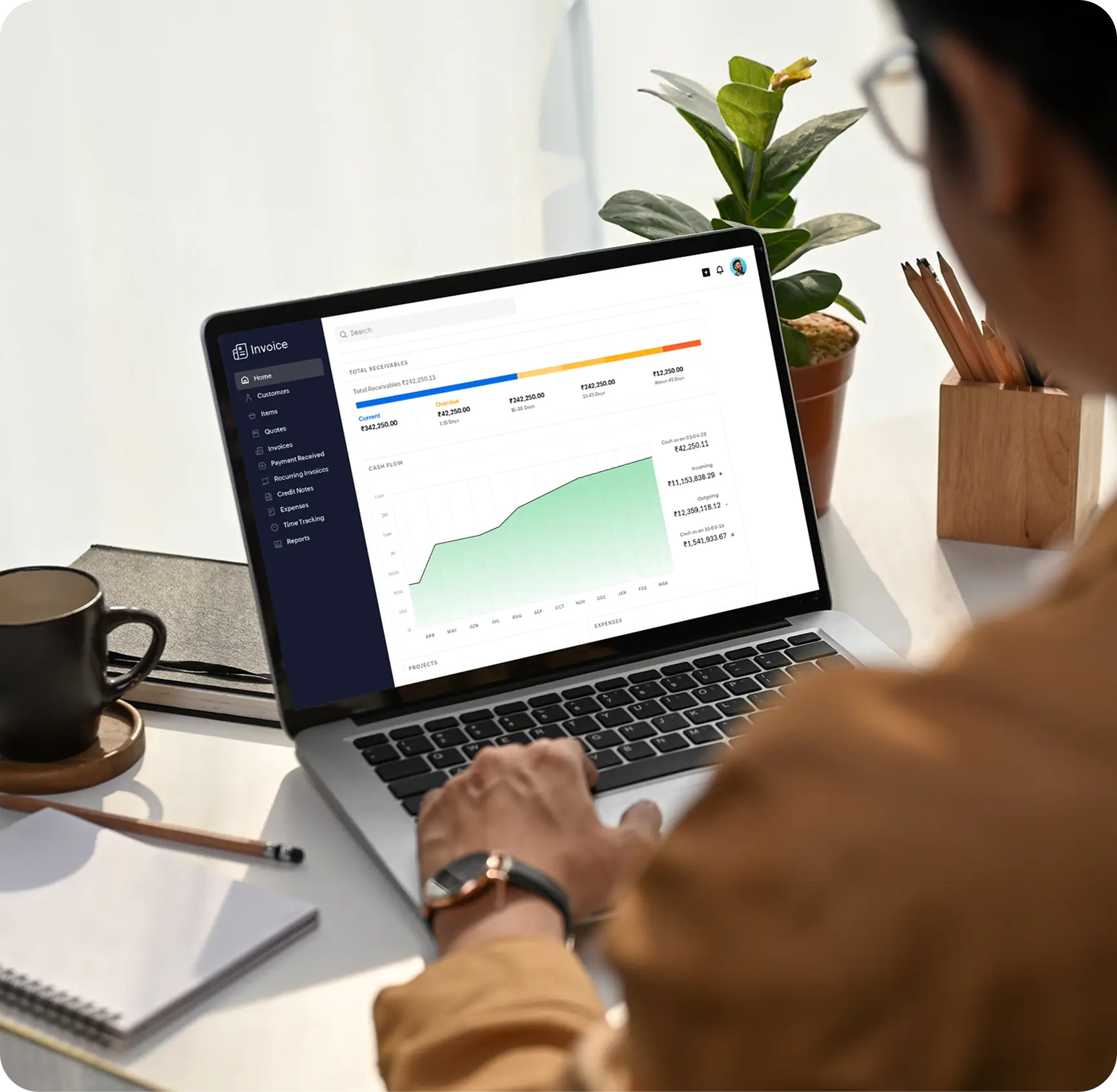
Track customers, invoices, and payments in a single dashboard. No manual payment reconciliation is needed.
Get paid faster with fewer hassles
Schedule a demo
One-click payments
Customers can pay directly from their invoice with a single click.

Faster collections
Automated reminders and instant payment options help you get paid on time.

Real-time visibility
Always know which invoices are paid, pending, or overdue.

Secure by design
Every transaction is PCI DSS compliant and backed with built-in fraud detection.
Designed for easy payment collection
No more juggling tools for invoicing and payment management.
Create and send invoices from Zoho Invoice in just a few clicks.
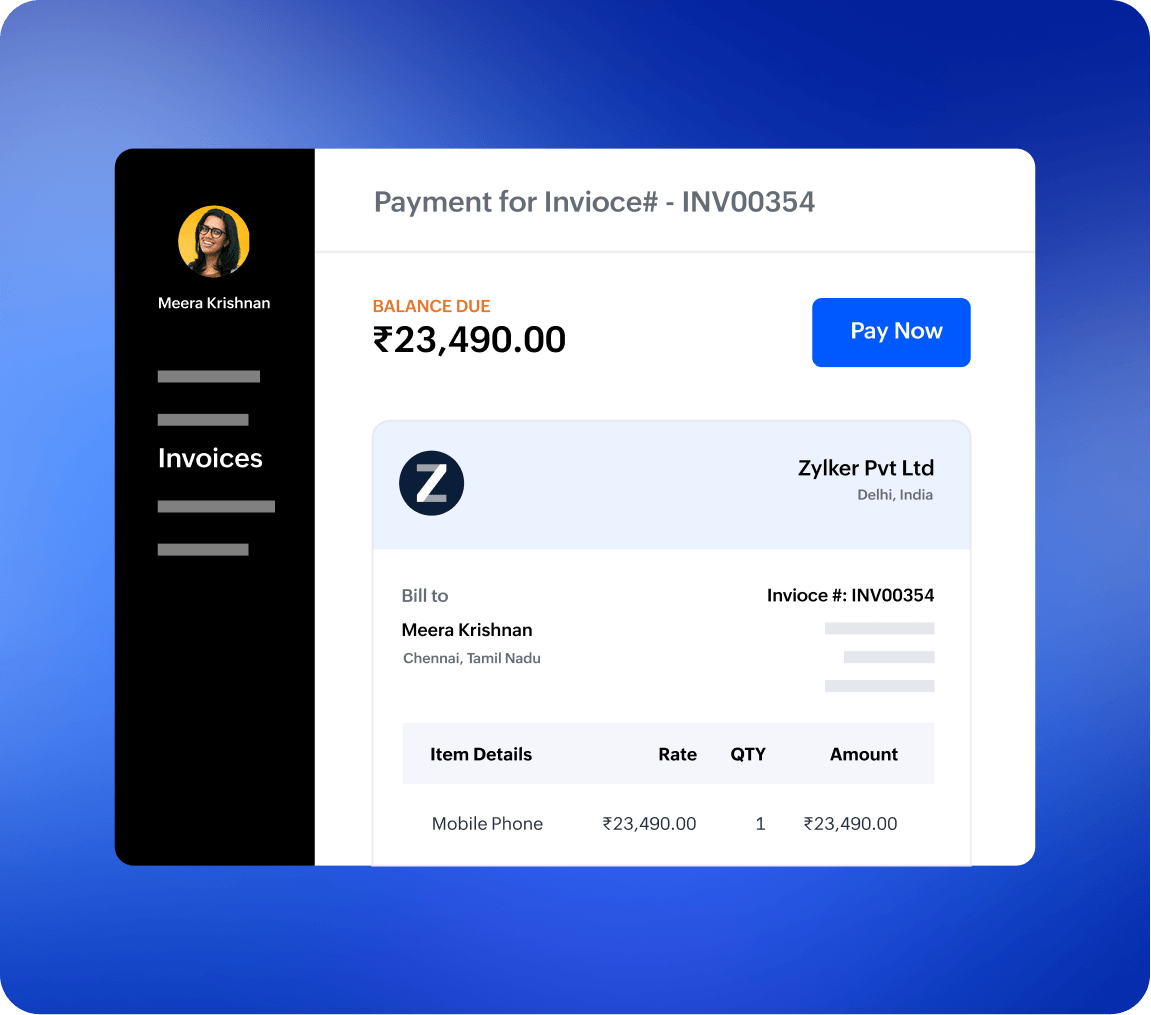
Customers click Pay Now from the invoice email or in the client portal.
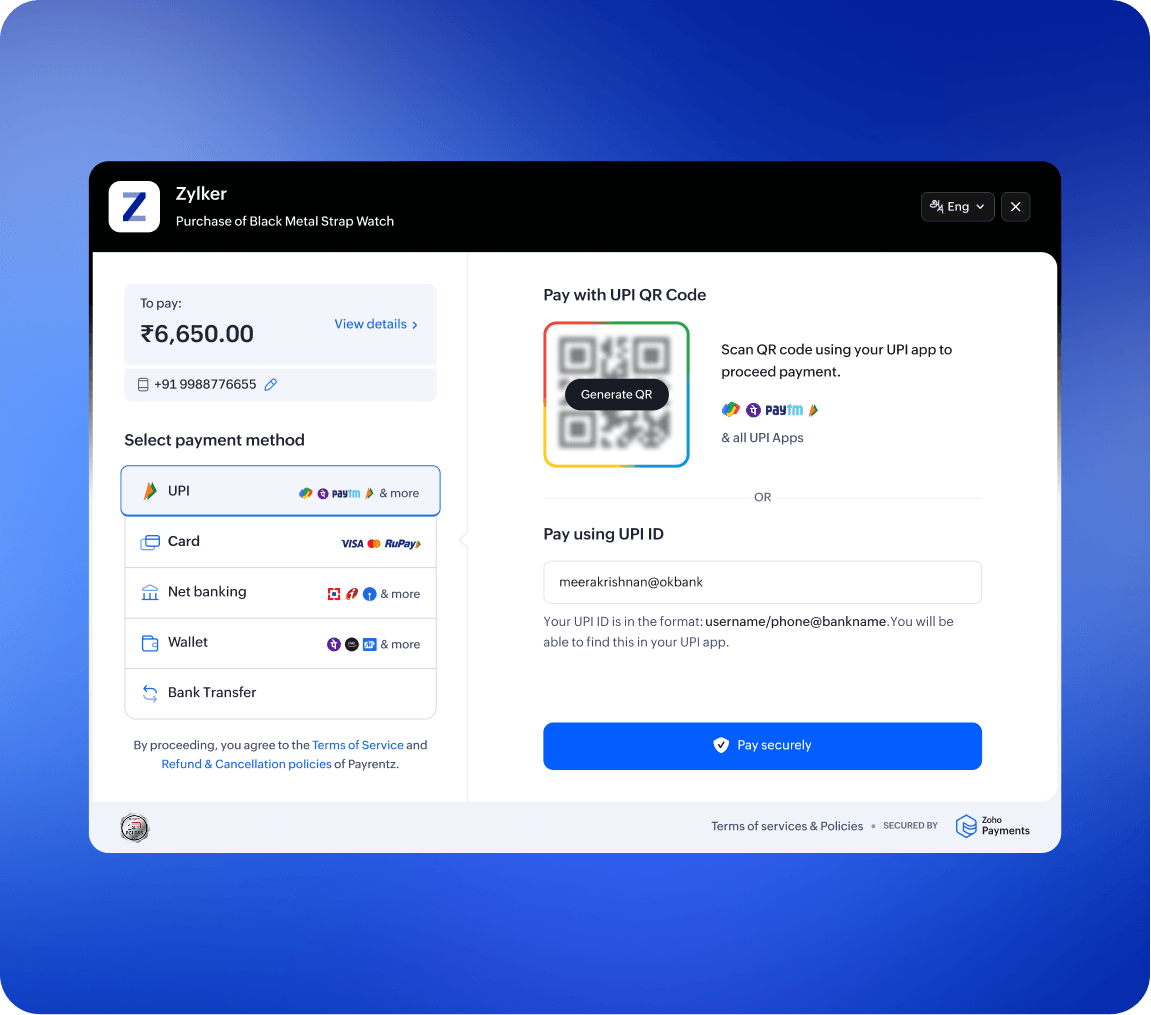
Payments are processed instantly via Zoho Payments (cards, and more).
Invoices update automatically to “Paid” as soon as funds are received.
Reconciliation happens in the background, keeping your books accurate.
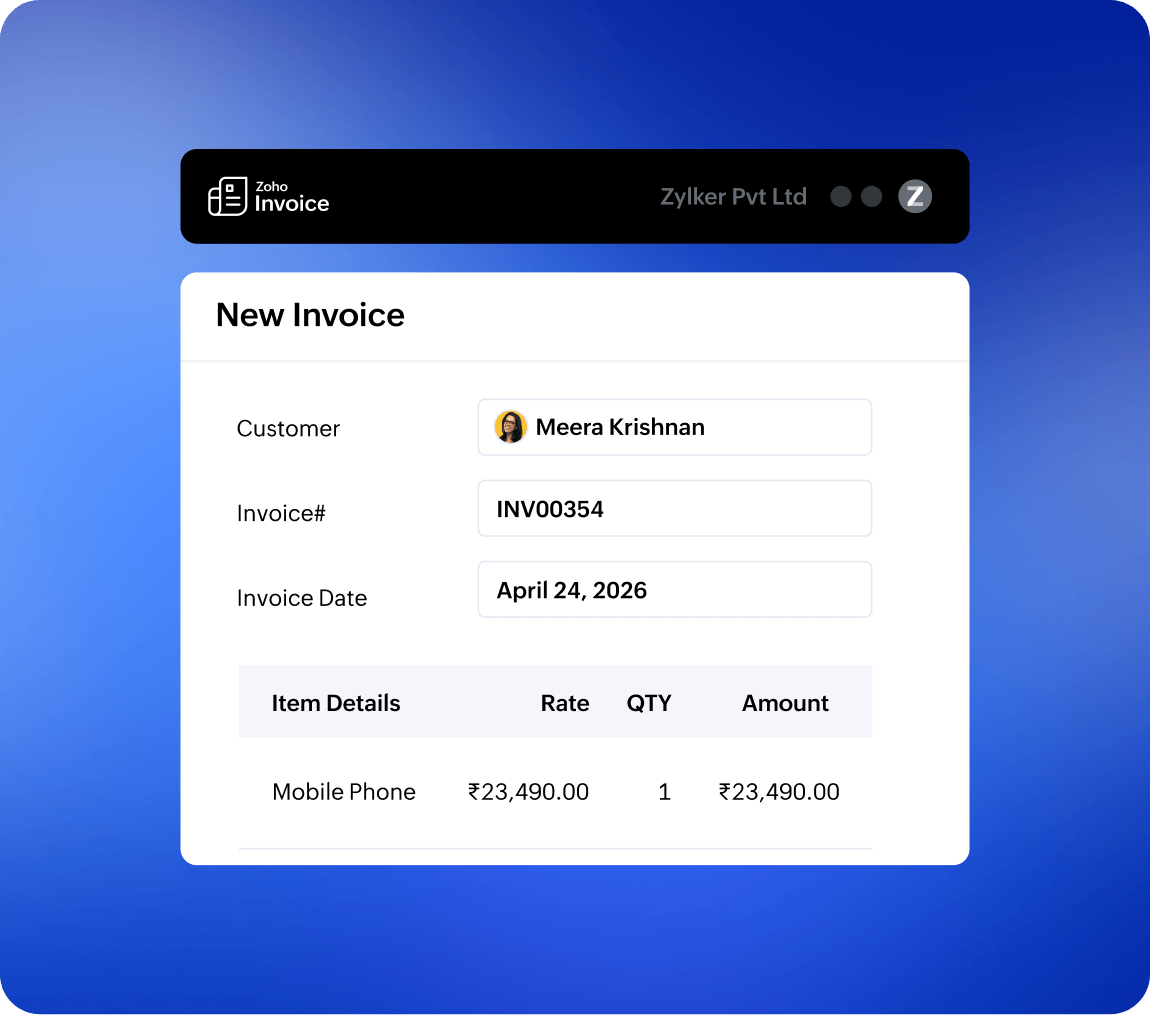
Create and send invoices from Zoho Invoice in just a few clicks.
Customers click Pay Now from the invoice email or in the client portal.
Payments are processed instantly via Zoho Payments (cards, and more).
Invoices update automatically to “Paid” as soon as funds are received.
Reconciliation happens in the background, keeping your books accurate.
Do a lot more with Zoho Invoice!

Use professional invoice templates that suit your brand and business identity.

Send invoices at scheduled times or set them to repeat automatically on set dates.
Send quotes, get approvals, and convert them into invoices instantly.
Invoice customers in over 10 languages, making communication seamless across regions.